AD Recommendation
Join Now
Important: Please do not trust the content and ads of various websites easily! Recommended reading: Safety Tips
Squibler
Scan to visit on your phone
4wks agoupdate 546 00
0

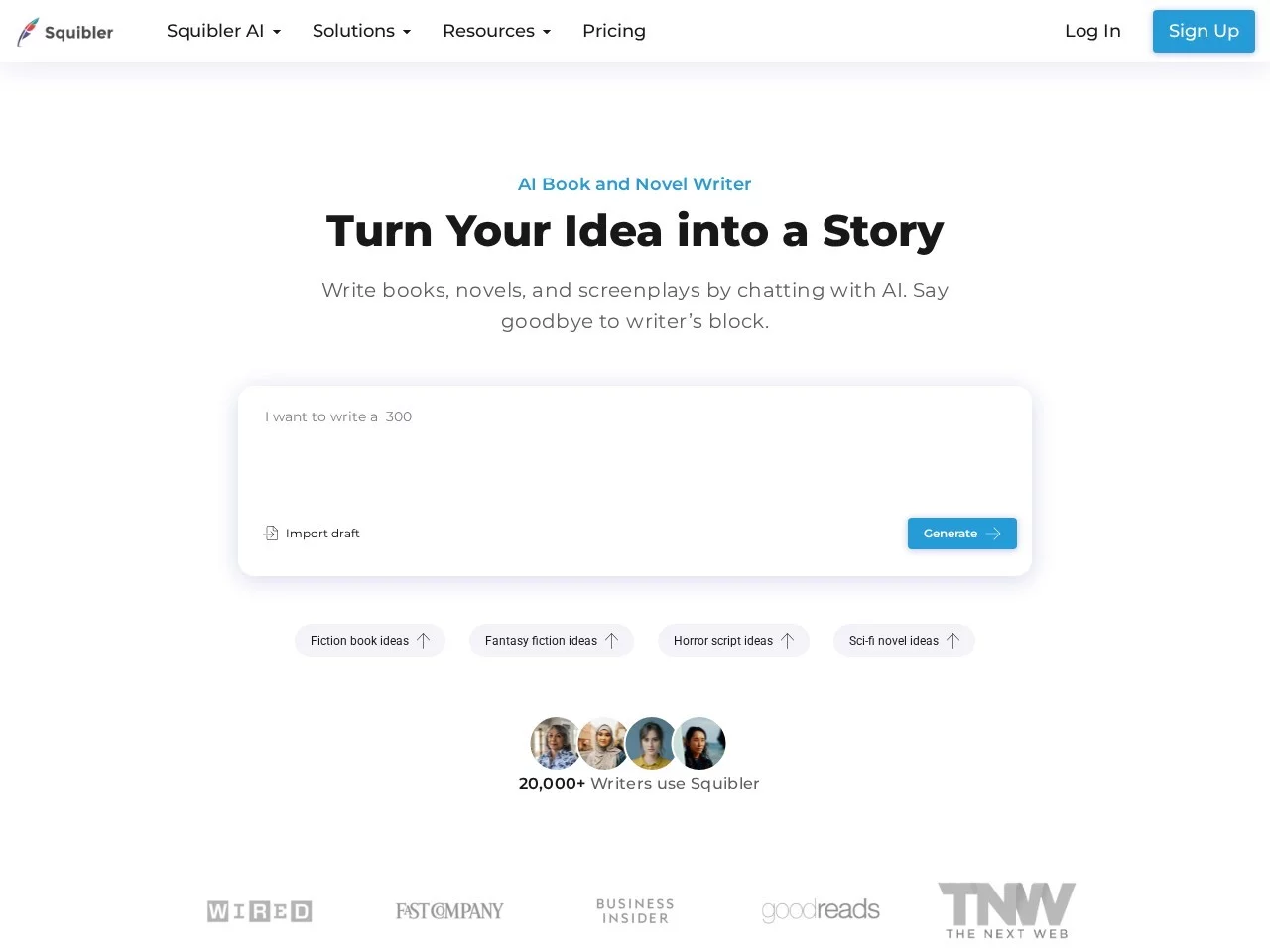
Screenshots

Squibler

Just typed the first few lines of your first chapter, then stared at the blank document for half an hour, with the storyline in your head getting more and more tangled — even forgetting the foreshadowing you planted at the beginning? This is a pit most writers have fallen into: you have a head full of ideas, but when it comes to actually writing, you get stuck on details like “what should come next” or “the character’s words and actions don’t match their setup”. Squibler is an AI writing platform built to solve exactly these creative pain points, embedding artificial intelligence into the whole process from inspiration to finished manuscript, so novelists, screenwriters and content creators can handle every stage of creation in one workspace.

Figure Out Your Needs First

Don’t rush to use every feature right away. First see which type of creator you are, then decide whether Squibler belongs in your creative toolbox.

If you’re hunched over your computer grinding through a long novel, you’ve most likely been tripped up by writer’s block, inconsistent character personalities, and disjointed chapter transitions — exactly the areas where Squibler can help.

If you’re a screenwriter or film and TV professional, you need more than text that flows — your dialogue has to fit the characters, and your scenes should map directly to storyboards. The relevant tools in Squibler cover exactly these needs.

If you’re a content creator or blogger who lives on regular updates, you’ll occasionally hit a creative drought and fall behind on output. Squibler’s assistance features help you fill the gaps during slumps more smoothly.

Official Website: https://www.squibler.io/

When You’re Blocked or Polishing Details, It Can Be Your Temporary Sidekick

When Writer’s Block Hits, Let AI Scout the Way Ahead

No one can promise that writing will flow as smoothly as a GPS-guided journey from start to finish — where you stop is usually where your train of thought gets stuck. Squibler’s AI-assisted writing feature can pick up from where you left off, and polish the passages you’ve already written to make them flow better. Even if you only use its reference content as rewriting material, it beats wasting time staring at a blank screen.

Refining Characters and Plots, It Saves You Half the Effort

What drains you most when writing a long work is never the wording — it’s building the framework and polishing the details. Squibler’s story generation feature produces creative ideas and plot directions at the click of a button, so you no longer have to rack your brain over a notebook; the character development tools help you shape more well-rounded characters, so you won’t get contradictions like someone being gentle in one chapter and suddenly hot-tempered in the next; and when it comes to dialogue, the dialogue generation quickly produces lines that fit each character’s personality — the confrontations in your novel and the face-offs in your script will feel noticeably more immersive.

Turn Text into Visual Material, So You Don’t Have to Draw Storyboards Yourself

This is a rather special Squibler feature: AI image generation can turn your written descriptions directly into images or even short videos. For screenwriters, it can be used straight away for storyboard concepts; for novelists, it quickly produces reference material such as scene atmosphere images and cover sketches. Even more practical: when presenting your story to an editor or a collaborator, a piece of visual material works far better than long blocks of text.

Finishing the Draft Is Only the Beginning — It Can Also Handle the Management and Collaboration That Follow

Creation isn’t just the act of writing. For the whole process from polishing to delivery, Squibler has supporting tools ready for you.

For team projects, task division and communication can all be done within the platform — no more emailing files back and forth and piling up versions. If you write on your own, you can set goals with a clear progress bar, which does help a bit with procrastination.

Grammar checking, goal tracking and project management are the basics, and there are plenty of practical details too: a rich set of built-in writing templates, and a split-screen view that lets you write your main text while looking at reference material — no more switching between pages.

Of course, it isn’t all-powerful — you’ll still need to edit things into the final shape you want. AI simply helps make the “from nothing to something” journey a bit smoother, so you don’t burn too much energy on fruitless efforts.

Relevant Navigation

No comments

You must be logged in to leave a comment!
Login immediately
none
No comments...