Ai Rewrite
Online AI text productivity tool
 AI GOU
AI-based content creation platform
Recently, when looking for content tools for our company’s new media department, I always ran into two headaches: either the soft articles written by AI were full of clichés that couldn’t be revised, or connecting to the website backend took several days, and even title generation required me to tweak details myself. Later, I tried AI GOU and found that many people didn’t grasp its core usage—you need to clarify your own needs first, and don’t turn on functions randomly.
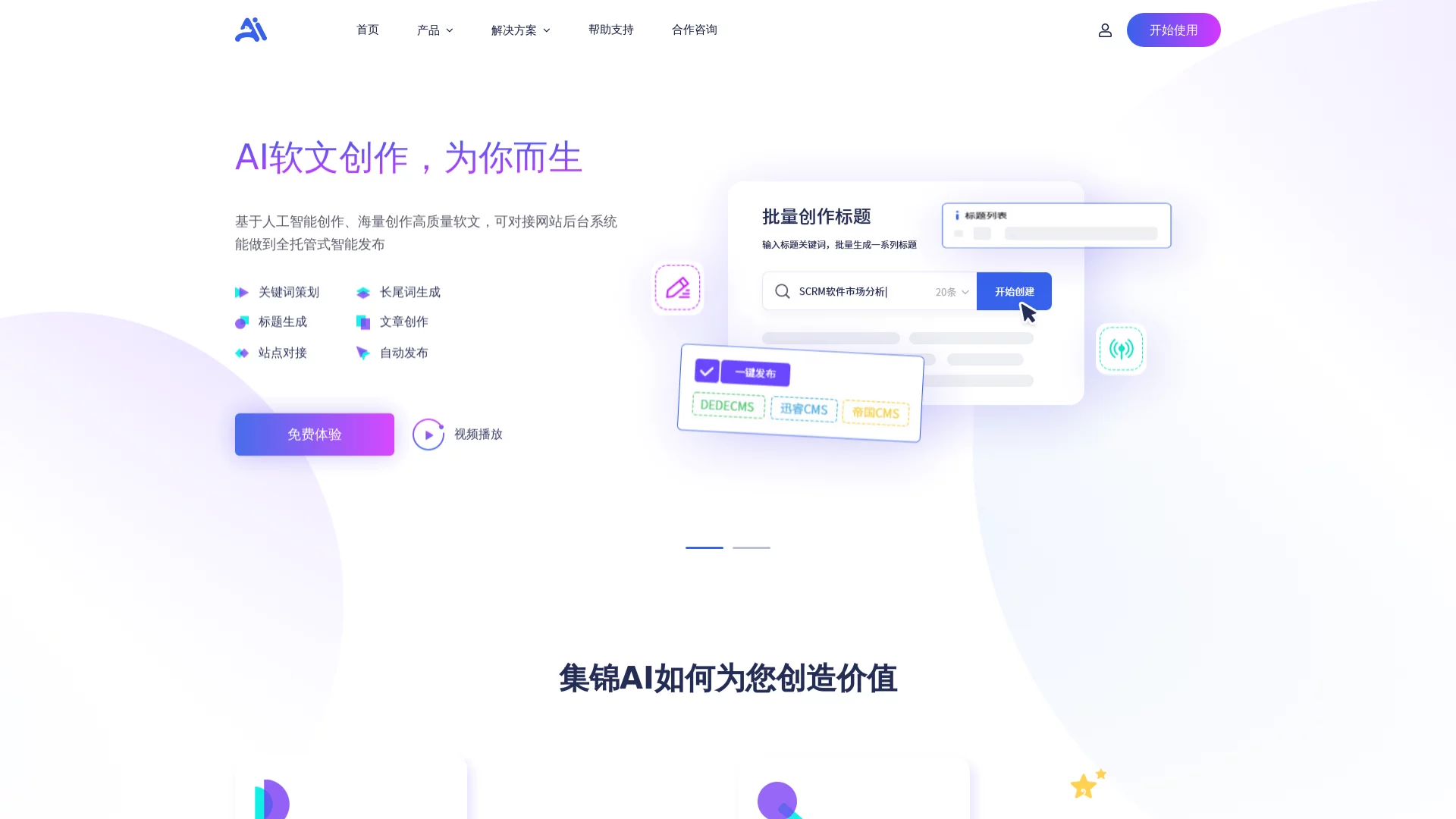
Official website: https://ai.jijinweb.com/
Don’t click “Start Creation” right away—think about what you need first: is it to write 10 industry soft articles for the month, or to create content for full-managed publishing on your own official website? AI GOU’s functions follow your needs, not everything can be solved with one click. For example, if you only need titles, you don’t need to touch the knowledge base—just click title generation directly; if you want full management, you need to confirm whether it can connect to your website backend first.
A common pitfall many people encounter when using AI GOU is not clarifying their needs first: when they only need to write a product soft article, they forcefully enable the knowledge base, resulting in an extra 20 minutes spent without figuring it out; when they need automatic publishing, they don’t test the backend connection first, leading to wasted effort as the content can’t be published after being written.
AI GOU’s core advantage is that it simplifies complex operations into 3 steps—don’t figure it out blindly.
The first time I used it, I completed the entire process from knowledge base creation to soft article generation in 12 minutes—more than twice as fast as using other tools before. The key is that the generated content didn’t need major revisions; I only adjusted 3 details to meet the requirements.
In fact, AI GOU can’t handle everything automatically—there are a few small details to note, otherwise it will affect the effect.
First detail: Don’t upload too mixed materials. For example, if you want to write a soft article about beauty products, don’t upload materials about home appliances too—otherwise the AI will mix keywords from the two categories, resulting in content that doesn’t match at all. I tried uploading 2 cross-category materials before, and the generated soft article was half beauty and half home appliances, wasting 10 minutes.
Second detail: Don’t stuff keywords. If you select the keyword planning function, don’t use all 10 generated long-tail keywords in one soft article—select at most 3 precise ones. Stuffing too many keywords will be judged as low-quality content, which will instead affect indexing. A colleague of mine selected 8 keywords before, and the generated soft article was penalized by search engines, taking 3 hours to adjust.
Third detail: Test the backend connection 3 times. After filling in the API for the first time, don’t click publish directly—first manually generate a test content and upload it to the backend to check if the formatting is correct and the categorization is right. If you only test once, it’s easy to have content garbled or categorization errors. A colleague in the department didn’t test before, resulting in wrong categorization and multiple user complaints.
Additionally, AI GOU’s full-managed publishing function only supports mainstream CMS systems. If you use a niche website building tool, it may not be connectable—check the official website’s support list in advance, don’t wait until the content is written to find out it can’t be published, wasting time.
At the end of the day, AI GOU is just a tool—it can save you time, but it can’t come up with ideas for you. If you don’t even know what direction the content should be, even if the AI generates it, you’ll still have to revise it for a long time. However, following your needs, using it step by step, and avoiding those small details can indeed improve the efficiency of content creation. Now I can write 2 more original soft articles per week without staying up late to revise content.