AD Recommendation
Join Now
Important: Please do not trust the content and ads of various websites easily! Recommended reading: Safety Tips
One-click Generation of Defense PPT
Scan to visit on your phone
3wks agoupdate 605 00
0

One-click Generation of Defense PPTOne-click Generation of Defense PPT

One-click generation of defense PPT and 1000-word self-statement, predict supervisor's questions, pass the defense at once!


Screenshots

One-click Generation of Defense PPT

The pain of rushing to make defense PPT during graduation season is something many people understand — while holding the final draft of their thesis to adjust punctuation, they struggle with color matching and font settings on blank slides, staying up until 2 a.m. without sorting out the logic. In fact, there is a ready solution that can save most of the trouble: the one-click defense PPT generation feature launched by Lingbi AI, which can directly convert the thesis into a standardized finished product without building the framework from scratch.

Can the pain of making PPT during graduation season really be solved by one-click generation

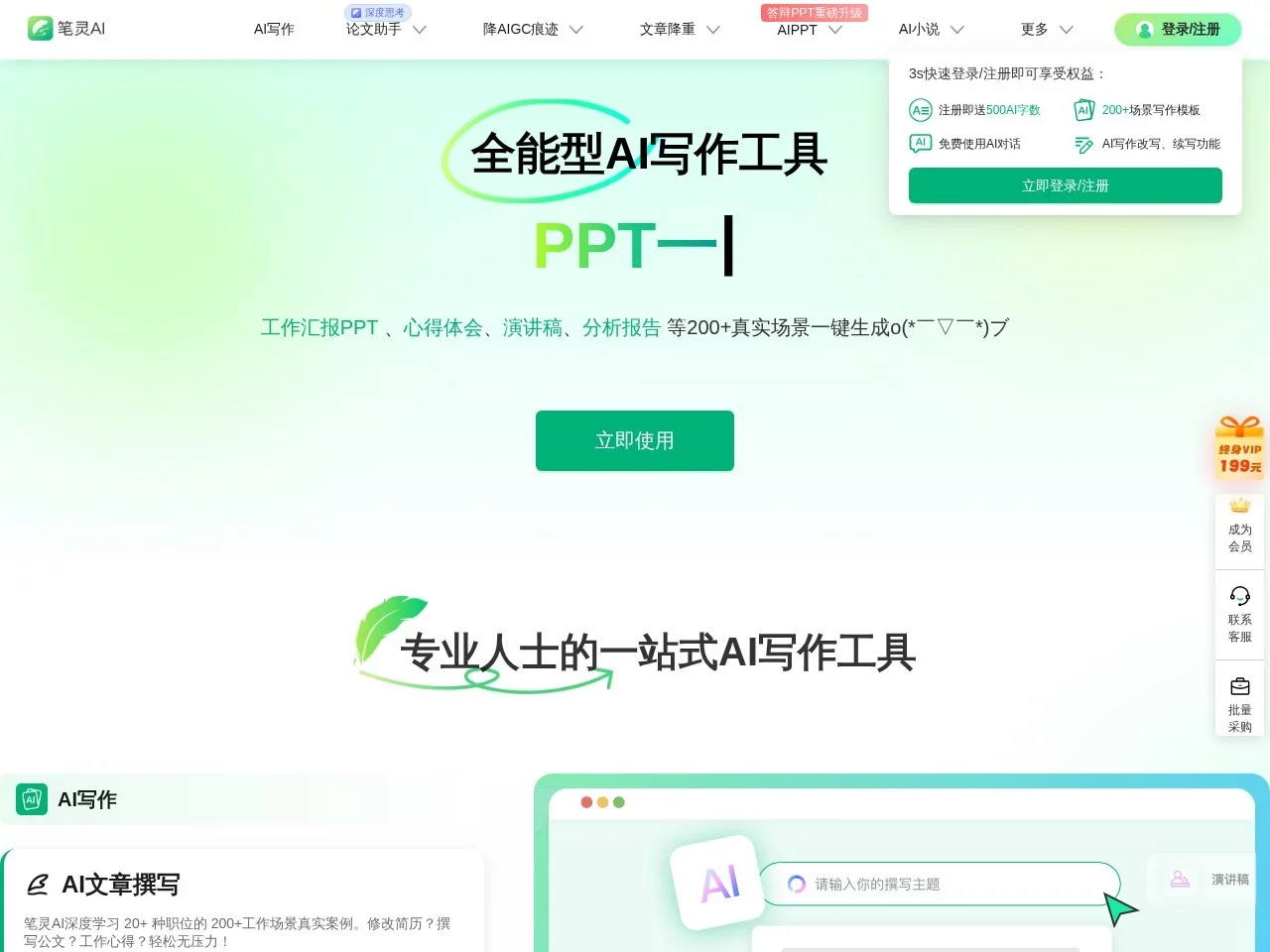
Official Website: https://ibiling.cn/ppt

Last year, I helped my roommate with his defense preparation. During that time, he only slept four hours a day, spending half of the time revising the thesis and the other half on making PPT — sometimes he thought the table of contents page was too scattered, sometimes he disliked the messy layout of the research results’ charts, and he couldn’t even squeeze time for defense rehearsals. Later, he uploaded the thesis on a try basis, and unexpectedly got the finished product in less than twenty minutes. The remaining time was all used to practice the oral script, and finally his performance in the defense was much better than expected.

The core logic of this feature is actually “content first” — it doesn’t require you to type word by word on a blank page, but the system automatically extracts the core points from the thesis and then arranges the slides in the standard structure for defense. For graduates with tight time, this is not just a matter of saving a few hours, but allows them to focus on more important defense preparations instead of wasting energy on non-core things like layout.

What exactly does AI do to turn a thesis into a defense PPT

Many people who use such tools for the first time will wonder: can AI really understand their thesis? Last year, I confirmed with my roommate that Lingbi AI’s performance is reliable. After uploading the thesis, the system will first read the full text, extract the research background from the abstract, core methods from the main body, and the summary of results from the conclusion, then arrange them in the conventional logic of defense — starting with the research significance, putting methods and results in the middle, and finally talking about innovations and prospects, without being messy.

The generated finished product also meets the requirements of defense, with a simple academic style, not using fancy templates to overshadow the content, and the logic is smooth, so the judges can follow the speaking rhythm by looking at the pages. Another considerate point is that it will generate a self-statement accordingly, so you don’t have to make up the oral content against the PPT. For students who are not good at impromptu expression, this can reduce a lot of things to memorize.

Of course, you don’t have to use the generated result directly as a finished product; it is more like a high-quality first draft, supporting manual adjustment of the outline and details. My roommate added a page of experimental data he thought was important and changed the order of individual pages, which only took more than ten minutes in total, much faster than making it from scratch. It only took two minutes from upload to output, leaving enough time for modification.

Who else can use this feature besides graduates

Despite the name containing “defense”, the scope of application is actually quite wide. I later asked several friends who used this tool; besides recent graduates, there are also office workers who use it for reports — such as annual work summaries, job performance reviews and other documents with fixed structures. After uploading, it can quickly generate PPT that meets the requirements without struggling with layout. For friends who do projects, when reporting results to leaders or clients, using this feature can quickly convert project reports into presentation content, saving a lot of time.

In addition, Lingbi AI also has the function of thesis plagiarism reduction, which can be used together with defense PPT. My roommate handled thesis plagiarism reduction and PPT making at the same time, without looking for separate tools. This set can solve two major troubles during graduation season, without switching platforms back and forth, saving a lot of energy. In short, as long as you have an existing document that needs to be quickly converted into presentation content, whether in campus or workplace scenarios, you can use it.

Three concerns about using this feature, clarified at once

Will the generated PPT have too much template flavor

My roommate was most worried about this at that time, fearing that it would use a stereotyped template. After actual use, it was found that Lingbi AI’s templates are made according to the aesthetics of academic defense, simple and elegant, not fancy, and fully meet the requirements of the defense occasion. Moreover, you can also modify the outline and details, such as changing the order of pages, adding your own research highlights, so the final version can still reflect personal ideas, not like something generated in batches.

Will the content deviate from the original meaning of the thesis

This is what graduates care most about, fearing that AI will grasp the wrong points. My roommate specially compared the generated PPT with his thesis, and found that the system grasped all the core content, without missing important research methods, experimental results and innovations. For safety, just read through it quickly after generation, confirm that it is consistent with your thesis, then start rehearsing, and there will be no problems.

Can you make a qualified effect without design foundation

My roommate has no design foundation at all; he even had to check tutorials for adjusting font size before. When using this feature, just upload the file, no need to worry about color matching and layout, the system will handle everything according to defense specifications. The finished product has neat layout and comfortable color matching, so you don’t have to worry about design at all, just need to know how to modify the content, which is particularly friendly to beginners.

Several practical tips for using this feature

My roommate stepped into a small pit at that time: he uploaded the thesis before it was finalized, resulting in many contents to be modified in the generated PPT. Later, he changed to finalizing the thesis first, then generating the PPT, and the extracted points were much more accurate, without repeated redoing. Another small detail: it is best to check the integrity of the document before uploading, such as ensuring that the abstract, conclusion and other parts are complete, and don’t miss key content, otherwise AI can’t grasp the points, and the generated PPT will be missing something.

In addition, don’t go to rehearse directly after generation; spend more than ten minutes adjusting details first, such as marking the content you want to focus on, or deleting unimportant content. This way, the rehearsal will be smoother, and your research focus will be highlighted, which is much better than using the generated version directly.

Relevant Navigation

No comments

You must be logged in to leave a comment!
Login immediately
none
No comments...