
China Market Regulation Administrative Penalty Document Network
Official Website of China Market Regulation Administrative Penalty Document Network
 Mobile App Security Testing
In the era of widespread smartphones, the security risks of mobile apps have become an issue that users must take seriously. From malicious programs stealing privacy to bundled malicious plugins, various security risks constantly threaten users’ information security and device safety. Mobile app security testing tools help users identify risks before installing apps and avoid unnecessary security losses. Among them, professional online testing tools, with their convenience and professionalism, are the first choice for many users.
Official website: http://scan.shouji.360.cn/
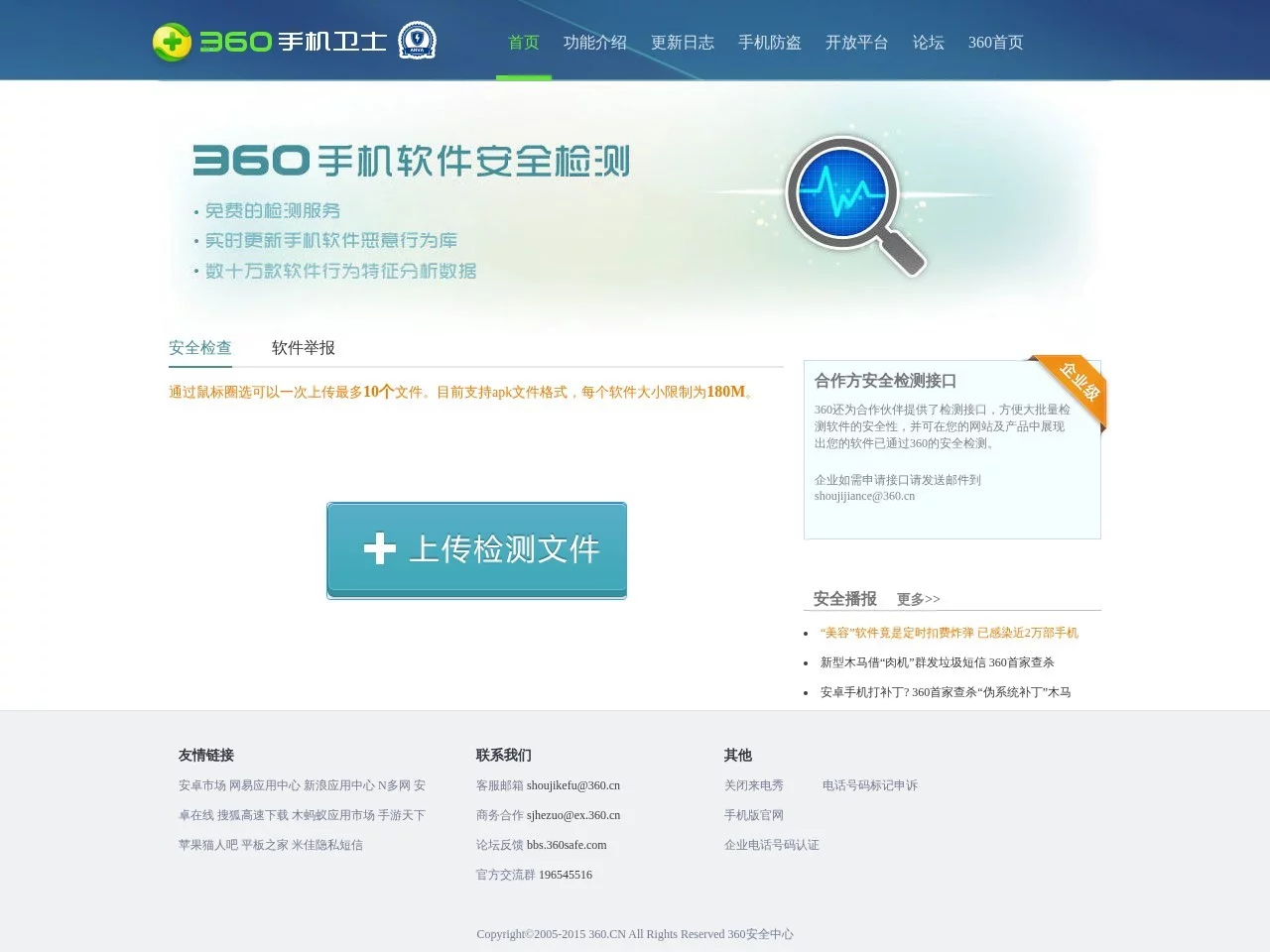
360 Mobile App Check is a professional testing tool for mobile app security. Its core advantage lies in accurately identifying risks in various mobile installation packages. The tool supports testing of apps in APK format, and sets reasonable limits on the number and size of files per test: each app to be tested has a maximum size of 180MB, and users can upload up to 10 files at a time for batch testing. This setup ensures testing efficiency while meeting the batch testing needs of most daily users.
When using the 360 Mobile App Check tool, users only need to upload the APK files to be tested to the specified page. The system will automatically start the security testing process, conducting a comprehensive scan of the app’s code, permissions, bundled plugins, and other dimensions to quickly identify security issues such as malicious code, privacy theft risks, and ad push notifications. This helps users avoid security hazards before installing apps, preventing problems like personal information leakage and device lag caused by installing malicious software.
Official website: https://m.qq.com/security_lab/scans_online.jsp
The mobile app security testing service launched by Tencent Mobile Security Lab is also an important choice for users to identify app risks. This service focuses on the security testing of mobile app installation packages, supporting testing of multiple mainstream mobile app package formats, covering common installation formats such as SISX, SIS, APK, JAR, and meeting the testing needs of apps on different operating systems (such as Symbian, Android, etc.), providing adapted testing support for mobile users of different brands and systems.
When using the testing service of Tencent Mobile Security Lab, users can upload mobile app installation packages of the corresponding format to the specified page. The system will conduct in-depth security analysis on the installation package, testing for security risks such as malicious code, unauthorized permission requests, and hidden charges. It provides users with a clear test report, clearly marking the app’s security level and potential risk points, helping users judge whether the app can be installed safely, and further ensuring the safety of mobile use.
When choosing a mobile app security testing tool, users can judge based on their actual usage scenarios: if they mainly use Android apps in daily life and have batch testing needs, the batch upload and 180MB single-file limit of the 360 Mobile App Check tool better match such users’ needs; if they need to test mobile app installation packages in different formats, including apps on non-Android systems, the multi-format support of Tencent Mobile Security Lab is more advantageous, meeting the testing needs of cross-system apps.
When using any mobile app security testing tool, several key points need attention: First, ensure that the installation package to be tested comes from a reliable source, and avoid uploading malicious installation packages that have been tampered with, which would affect the accuracy of test results; Second, strictly comply with the tool’s upload limits, such as the 180MB single-file limit and 10-files per upload limit of the 360 tool, to avoid test failures due to overly large files or excessive quantity; Third, carefully check the risk labels in the test report. For high-risk apps involving privacy permissions or malicious code, do not install them to avoid security losses.
Many users often have some questions when using such testing tools: For example, whether the uploaded test files will be leaked. Professional and legitimate testing tools will strictly protect the installation packages uploaded by users, using them only for security testing and not for other purposes; Another example is whether the test results are absolutely accurate. Such tools will continuously update their virus databases and risk signature libraries to ensure testing accuracy, but there may be a certain delay in detecting new unknown risks. Users can make a comprehensive judgment by combining other security protection measures.