ShanghaiRanking
Latest Chinese/World and Major-specific University Rankings
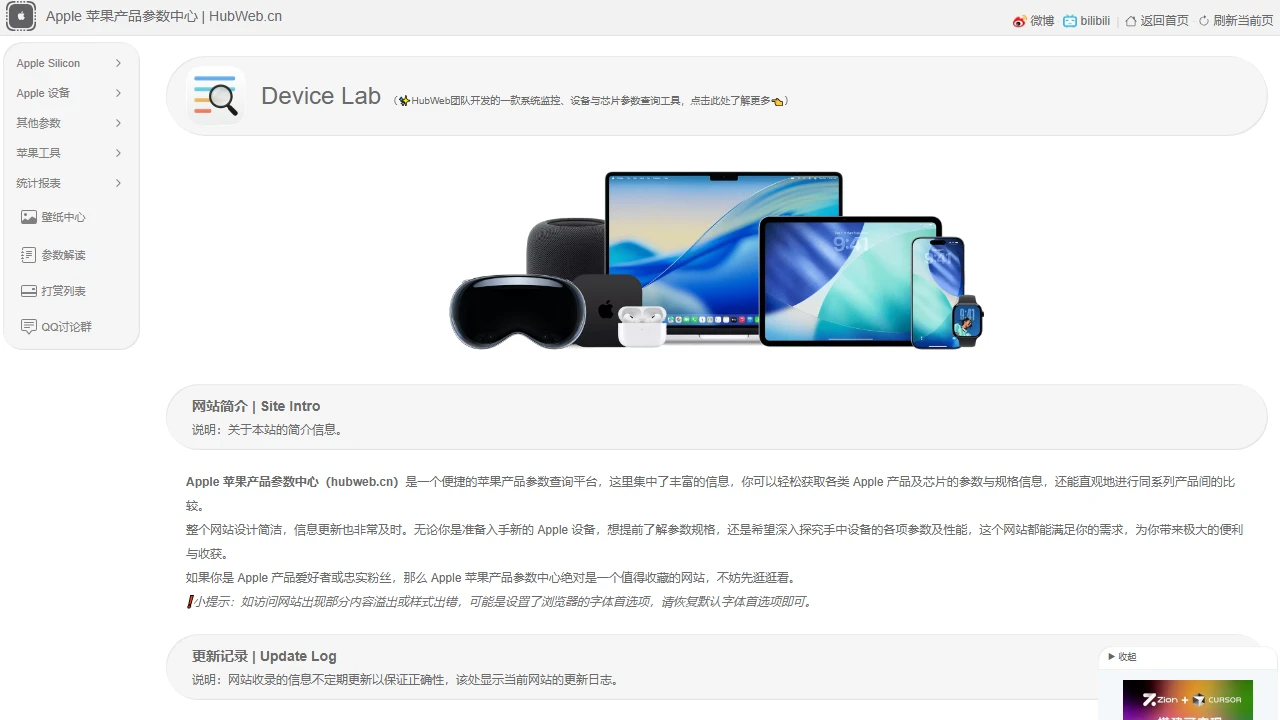
 Apple Product Information
Details of various Apple products
Many people have fallen into the trap of “scrambling to gather information” when checking Apple product specifications — to compare the processor differences between old and new iPhones, you have to flip through different pages of the Official Website; to check the screen resolution of a Mac, you have to jump to the support page, and the scattered information always makes the search more confusing. In fact, there is a specification platform dedicated to Apple users that can sort out these troubles.
Official Website: https://hubweb.cn/
This platform gathers all the core data of the entire range of Apple products in one place — from the memory specifications of iPhones to the chip performance of Macs, as well as the exclusive functional details of each model. There is no need to switch back and forth between multiple pages; you can view all the information you want with one click. Even for newly released models, the platform will synchronously update the specifications released by the Official Website, so there will be no case where the latest model cannot be found.
If you are unsure which model to choose, the comparison function of this platform is quite useful. You can select a model by clicking on its corresponding image, and you can compare up to several models at the same time. Finally, a table will be automatically generated, clearly listing the differences between different models. For example, if you want to know what upgrades are from iPhone 13 to iPhone 15, or the difference between 64G and 256G for the same iPad, you can get a clear idea by looking at the comparison table, without having to manually remember the specifications.
People who are new to this platform should not start browsing randomly when they first enter. There is a category bar at the top, divided by series such as iPhone, iPad, Mac. Directly click on the category you are looking for, which can save a lot of time. For example, if you want to choose a tablet for your child’s study, you can select from the iPad category without wasting energy on a bunch of other products.
Although the summary of third-party platforms is convenient, the model comparison page on Apple’s own Official Website should not be ignored. The official page lists some details that third parties do not write in detail, such as the camera algorithm details of specific models and the standards of official battery life tests. These data are more authoritative; if you need accurate official information, it is definitely correct to check on the Official Website. You can usually use this platform for a preliminary comparison first, then confirm the details on the Official Website. Using the two together will make your choice more reassuring.
It is most useful when replacing Apple devices. For example, if you are struggling to choose between MacBook Air and Pro, comparing the specifications of the two models and combining with your usual use (whether you edit videos or only work with documents), you can choose the appropriate configuration. Digital enthusiasts can also use this to view detailed hardware specifications and understand the performance limits of Apple products. It is also convenient for ordinary users to check the devices they own; if you want to know the specifications corresponding to the battery health of your iPhone, or the screen refresh rate of your iPad, you can find it by clicking in, which provides a reference for daily use or future upgrades.