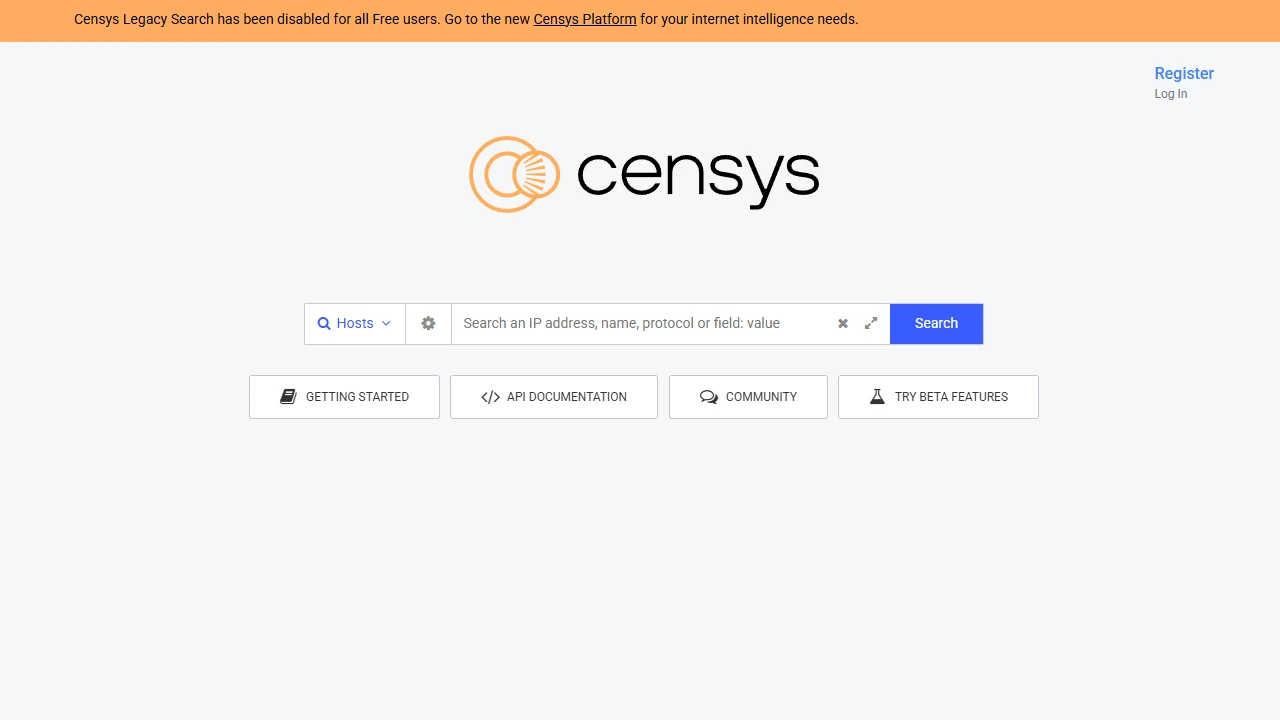
 Censys
 Search is a professional cyberspace search engine that can retrieve public network hosts, ports, and certificates, used for network asset reconnaissance and securi...
Screenshots
Censys Search: A Great Tool for Cyberspace Asset Reconnaissance and Security Troubleshooting
Official Website: https://search.censys.io/
People working in cybersecurity, whether they do penetration testing, red team assessments, or regularly handle company asset checks, should be familiar with Censys. It is a cyberspace search engine for the internet that collects information on open devices, services, certificates, etc., across the global network, allowing you to search via a single web page. Unlike traditional search engines that search web content, Censys searches for data related to hosts, ports, services, certificates, and vulnerabilities exposed to the public network. For security professionals, it is highly efficient for conducting initial information collection, checking their own exposed assets, and verifying which services are open on a specific IP.
The website features a tech-focused dark style, with a search input area on the left, and results displayed in the middle and right. You input an IP, domain, port, or a service characteristic, and you will get structured results. The core idea of this tool is to treat the internet as a huge asset library, through which you can understand the attack surface of a device exposed externally, which is why red teamers and asset managers use it most often. An account is required for login; many advanced search and export functions require paid plans, but for daily quick queries, the web search is sufficient.
Diverse Core Functions, Clear and Intuitive Search Results
When opening Censys Search, there are several most commonly used search dimensions. The first is host query, which refers to checking a specific public server. You can use an IP address or hostname to see which ports are open on this IP, what services are running, what operating system is used, which certificates are present, and basic information such as location and ASN. During asset checks, entering your company’s external IP will quickly verify if there are any service ports that should not be exposed, which is very practical.
The second dimension is certificate search. Censys originally started from certificate transparency logs; it has collected massive amounts of SSL/TLS certificate data, and you can search for certificates by domain, organization name, or certificate fingerprint. Many times, red teams conducting information collection can reverse-engineer a large number of related subdomains and assets by checking the certificates under a company’s name, which is very effective in the reconnaissance phase and helps clarify the attack surface more clearly.
The third dimension is vulnerability-related data. Censys has aggregated a large amount of vulnerability exposure data on the internet. For well-known vulnerabilities such as Log4j and Heartbleed, you can see how many hosts worldwide are still exposed to affected services on the platform. During security emergencies, using it to quickly assess the global exposure and impact of a vulnerability is much faster than detecting each one manually. The results page clearly lists the ports, services, and banner information related to each host; clicking into the details page also shows more structured raw data, such as certificate details, response headers, service versions, etc., for further analysis.
Flexible Search Syntax, Supporting Structured Condition Combinations
Using Censys is not just about simply inputting an IP; it has its own query syntax, which can be combined for more precise filtering. For example, if you want to find all hosts with port 3389 (Remote Desktop) open, you can combine conditions by port and service type; if you want to see which specific services are exposed in a certain country or region, you can also use the geographic location field to define the scope. This structured search is much more efficient than manually sifting through a large number of results, making it suitable for batch asset filtering and network-wide surveys.
Search results support export; when dealing with large amounts of data for analysis, you can download the results for further processing. For security professionals who often need to write reports, this export function is very convenient. Search results can also be filtered by time to view the exposure trend of a certain service, enabling vertical comparative analysis. Although the entire interface seems to have many parameters, once you master the commonly used fields, it is not difficult to get started; there are also many ready-made query examples online that you can directly refer to.
Suitable for Who, Common Scenarios
The main users of this platform are in the security field. Red teamers and penetration testers use it for information collection and target reconnaissance to check assets and organize attack surfaces; blue teams and security operations teams use it for enterprise asset exposure checks, regularly verifying if there are any unnecessary services running on their public network exit to reduce the risk of being attacked; security research engineers use it to count global vulnerability exposure, write analysis reports, and make trend judgments, all of which rely on this data. There are also people working in risk control and threat intelligence who use Censys to track associated information of a specific IP or infrastructure.
If you are just an ordinary internet user with no contact with cybersecurity, this site will not be very useful to you; unlike ordinary search engines, it does not search web content. But if your company has public network assets, or you are learning security or conducting technical research yourself, it is worth bookmarking, as it can save a lot of effort when organizing assets and conducting security checks.
User Experience and Notes
Censys has a professional-oriented user experience overall, with a high information density on the interface, which may feel a bit confusing at the beginning. It is recommended to start with the simplest IP and domain queries, first understand what each field on the results page represents, and then gradually try combined searches. Free accounts have limits on the number of queries and exports; for heavy use or batch data exports, you may need to consider paid plans, choosing as needed.
One thing to remind: when using such tools for scanning and queries, you must stick to compliance bottom lines. Probing other people’s systems and target assets must have legal authorization; probing others’ servers and networks without authorization is an act that violates the law. When conducting enterprise asset checks, it is also limited to your own company or the scope you are authorized to manage; do not misuse the tool. Cybersecurity tools themselves are neutral; the key is how they are used. When used within the scope of compliant authorization, they are a great helper to improve efficiency.
Overall, as a cyberspace search engine, Censys is a very mature one-stop platform in scenarios such as asset reconnaissance, exposure surface checks, and vulnerability assessment. It has a wide data coverage, flexible search syntax, and clear structured results. For domestic security professionals and enterprises managing assets, it is a practical tool worth bookmarking. Save this URL in your bookmarks; when you need to conduct information collection and security checks later, you can open it at any time to query, saving a lot of initial reconnaissance time.
Relevant Navigation





