Xunyou Game Booster
Xunyou Game Booster improves the stability of online multiplayer gaming
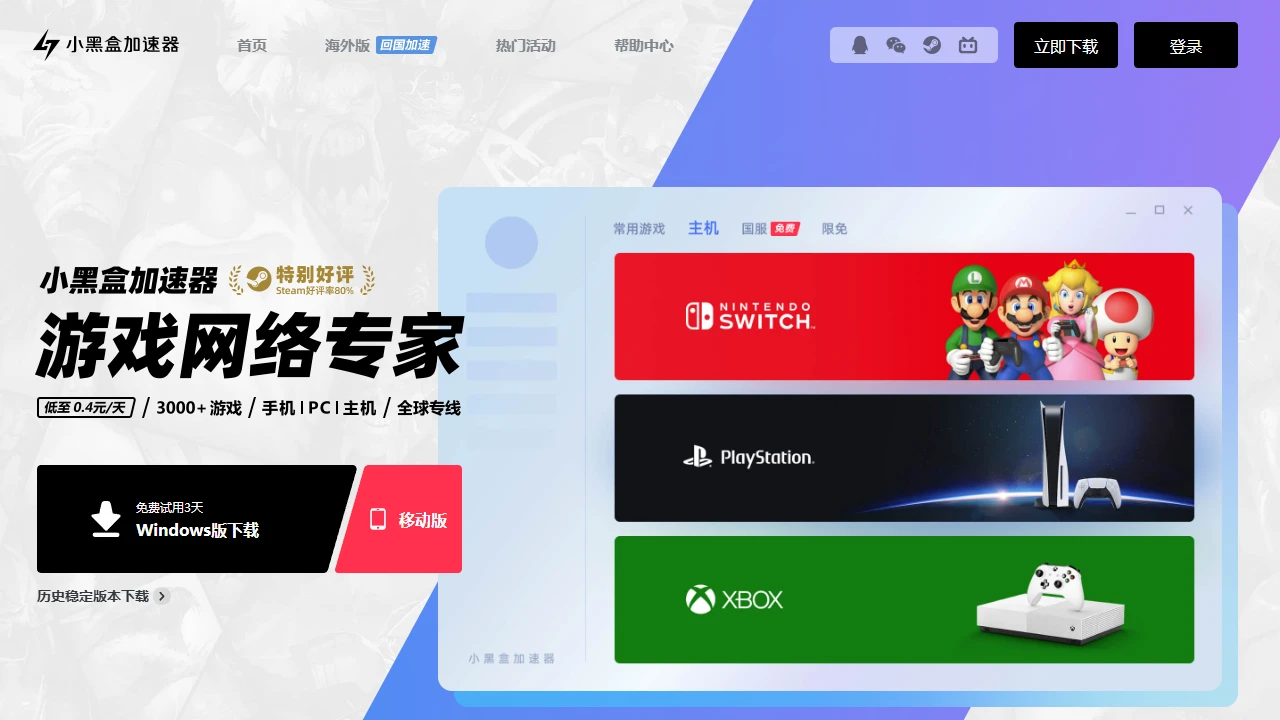
 Xiaoheihe Accelerator
A multi-platform network accelerator for online games
https://acc.xiaoheihe.cn/ Many players who frequently play online games have run into problems like these — a pop-up saying “network connection failed” during matchmaking, a loading screen stuck on the progress bar, teammates dropping out constantly during squad play, or being unable to keep up with the pace of the action because of high latency. Some also find that the Steam Community won’t open or that platform logins time out, all of which disrupt the flow of the game and spoil the overall experience. To tackle these network issues, many players turn to broadly compatible accelerators to optimise their connection, and when choosing a tool, most people care most about its coverage of popular games and platforms, as well as how stable the acceleration actually is.
https://acc.xiaoheihe.cn/ The tool covers most of the mainstream online games and platforms that players encounter these days. Competitive online games like PUBG and DOTA2, shooters like Apex Legends and CSGO, and survival games like Monster Hunter: World and ARK are all on its supported list. Besides accelerating the games themselves, it also supports login acceleration for mainstream launchers such as Steam, Uplay, Origin and Epic, as well as matchmaking services like the 5E platform that many players use. It even covers some niche online games, such as community server acceleration for Left 4 Dead, and doesn’t skip support just because a game has a small audience — this solves plenty of real problems for players who enjoy queuing with strangers in less popular online titles. One practical tip worth mentioning here: acceleration nodes for different games or platforms should be chosen separately — for example, don’t use the same node for the Steam Community and for CSGO, otherwise you may find the Community opens but the game can’t connect to servers. When picking a node, prioritise the region that matches your own location; this is more stable than blindly choosing the node showing the lowest ping, as a low-ping node is very often a shared node aimed at another region, and the actual acceleration is worse as a result.
https://acc.xiaoheihe.cn/ Players’ feedback on the actual experience with this tool varies. Some find its interface clean and simple, with features that are easy to locate, giving it a gentle learning curve that suits players unfamiliar with complicated settings. Others, however, report that the acceleration is unnoticeable in certain scenarios, and there have even been cases where running it crashed the Steam client. When this happens, it usually helps to switch to a different acceleration node first, or to temporarily close the accelerator and restart the client — that resolves most cases; if the problem persists after changing nodes, check whether it conflicts with other background software. Different game genres have different network demands. MOBA games, for instance, are far more sensitive to latency; after accelerating with this tool, many players report fewer disconnections during matchmaking and no laggy inputs during team fights. Similarly, for games that require synchronised actions with teammates, such as Monster Hunter: World, acceleration reduces sync delays, so teammates’ actions no longer lag behind. The tool is not entirely free, but it offers short free trials for some game-specific nodes, and for long-term use there are occasional promotions that bring down the cost. It also works across multiple platforms, on both mobile and desktop. Its Windows compatibility is good, and it doesn’t conflict with common game companion software while running; when you’re out and about playing online mobile games on your phone, you can also use the matching acceleration nodes to optimise your network.
https://acc.xiaoheihe.cn/ Beyond its core network acceleration, the tool also bundles a number of auxiliary features players use often, such as game news, a player community and match history lookups. If you want to check the latest updates for Diablo III or find build guides for Dota Auto Chess, there’s no need to open a browser separately — you can look it up right inside the tool. For frequent gamers, this genuinely saves a lot of time switching between apps, making it an all-in-one gaming service tool. Many players care about how feature-rich a tool is, and besides acceleration, this one helps organise game-related news so you don’t have to hop between different platforms for information — quite useful for those who follow gaming news closely. That said, some players feel the quality of these add-on features is mixed: some news updates aren’t particularly fast, making them nice-to-have extras rather than core necessities. For players who need both game news and network acceleration, these integrated features cut out extra steps and the constant switching between apps, improving efficiency to a degree; but if all you need is the core acceleration service, whether these extras exist makes little difference.