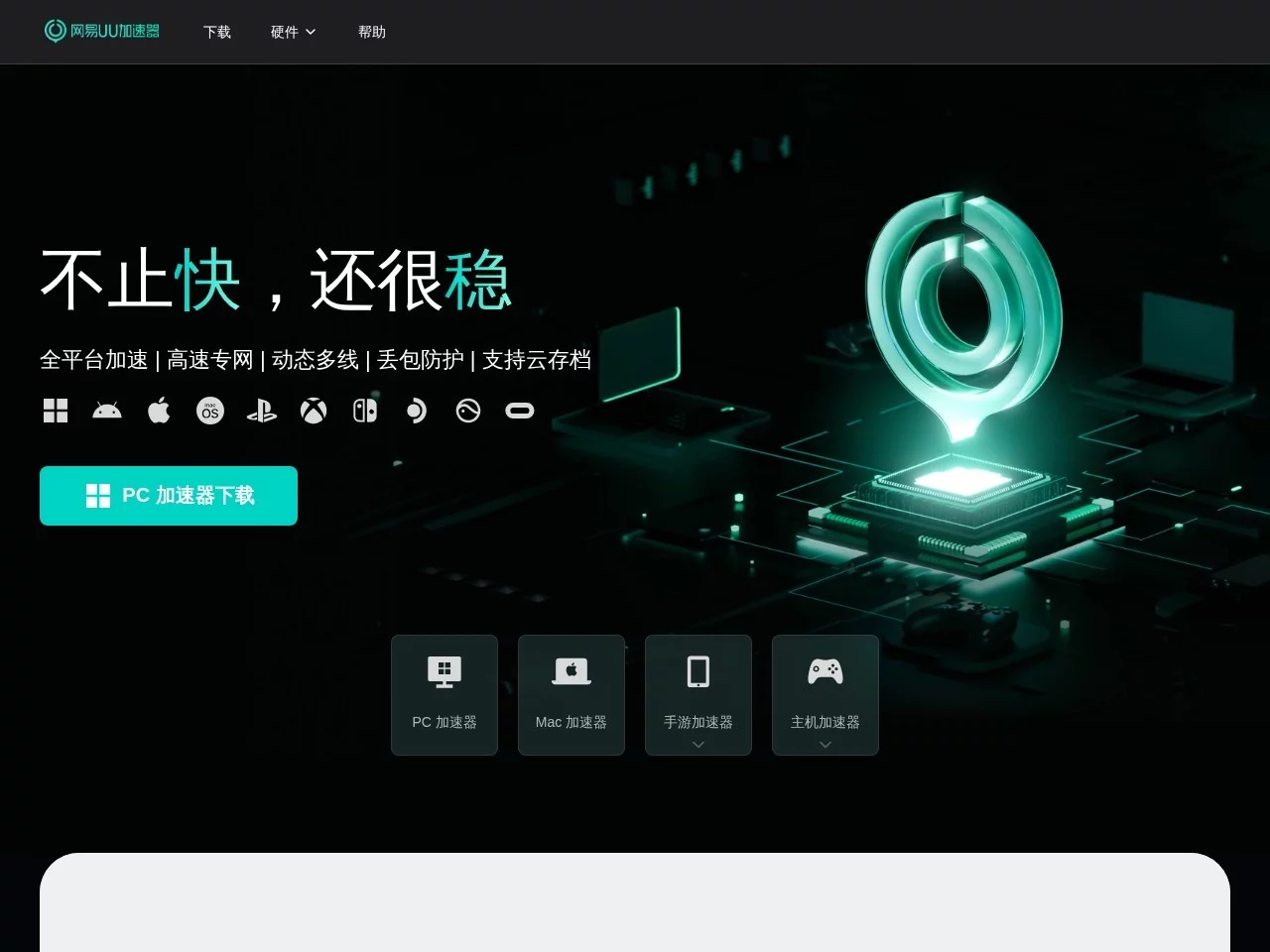
NetEase UU AcceleratorIntroducing the features and usage of NetEase UU Accelerator
Screenshots

Most gamers have encountered network issues while playing games—either sudden disconnections during online multiplayer, or ping levels so high that team fights are impossible. Finding a reliable accelerator is indeed a necessity. Whether it’s competitive matches on PC, open-world online multiplayer on consoles, or even competitive mobile games, a single lag or disconnection can ruin the entire experience, so when choosing an accelerator, people always care about coverage, stability, and latency.
Core Requirements for Game Network Acceleration
https://uu.163.com/
Different players have different gaming scenarios, so their requirements for accelerators also have subtle differences: PC competitive players need low latency to ensure their actions keep up with reactions; console players care about whether they can connect to online multiplayer without being kicked by the host due to network issues; mobile game users are more afraid of lag at critical moments, especially during team fights or pushes. These needs are not isolated, so an accelerator that supports multiple devices and adapts to most popular games is more likely to be regarded as a go-to tool by players.
Practical Experience of Multi-Device Compatibility
NetEase UU Accelerator’s coverage does meet the device needs of most players, which is much more convenient than many tools that only support a single platform. The PC version is the easiest to use—just add the game and click one-click acceleration, no extra settings needed; console players can choose their preferred acceleration method without having to buy a dedicated acceleration box: the router plugin method is suitable for players who already have a compatible router, no need to spend extra on hardware, though setting it up requires adjusting for the router model, which may take time for beginners; if you have an acceleration box, just plug it in and use it, perfect for players who hate hassle.
Among the supported game categories, mainstream competitive and open-world games are mostly covered—for example, PC shooting competitions, console open-world online multiplayer games, and various popular competitive mobile games all have corresponding routes. However, the number of nodes for niche foreign server games is relatively small; for some less popular foreign server games, you may need to check if there’s a corresponding acceleration route before playing, otherwise it won’t work. Additionally, mobile game acceleration is separately optimized, adjusting bandwidth allocation based on mobile network characteristics, so other apps on your phone won’t lag because of the accelerator, but during peak hours, the routes can get a bit crowded, making game loading slightly slower.
Pros and Cons of Acceleration Effects
Based on general player feedback, its main advantages lie in stability and coverage of overseas nodes. Many players who play foreign server games have encountered large latency fluctuations and disconnections when switching nodes, but this accelerator’s intelligent route switching works well, so this doesn’t happen frequently, ensuring relatively stable latency throughout; for console online multiplayer, it also improves NAT restrictions effectively—rarely will you fail to connect to teammates’ rooms due to strict NAT, which is very important for console players, as many hosts require a moderate or open NAT type to join.
Of course, there are also points to note: the free version has a limited number of nodes, and routes during peak hours are less stable than the premium version. Some players reported that after upgrading to premium, latency dropped by around a dozen milliseconds, which does improve the experience; additionally, for some competitive games that are particularly sensitive to latency, its acceleration effect isn’t much better than tools optimized specifically for that game—good enough but not the best; also, for some niche games, acceleration latency is occasionally higher, and not all routes can achieve low latency.
Usage Tips Often Overlooked by Players
Many people only perform the most basic operations when using accelerators, but there are a few small details that can improve the experience. When accelerating consoles, prioritize the exclusive acceleration routes for the corresponding console brand instead of general overseas routes, as this aligns better with the console’s network logic and is more stable; when selecting nodes, there’s no need to switch manually frequently—the intelligent nodes recommended by the system are usually optimized, and manual switching may cause latency fluctuations, especially if you’re not familiar with the routes; additionally, the PC accelerator can be set to run automatically when the game starts, avoiding mid-game disconnections due to forgetting to turn it on; also, when using the router plugin to accelerate consoles, ensure your router’s firmware is up to date, otherwise setup may fail and require multiple attempts to connect.
Relevant Navigation
Thunder Accelerator
kuyo Accelerator
Xunmengtu Accelerator
薄荷加速器