
AD Recommendation
Join Now
Important: Please do not trust the content and ads of various websites easily! Recommended reading: Safety Tips
Smart ID Photos
Scan to visit on your phone
3wks agoupdate 637 00
0

Smart ID PhotosSmart ID Photos

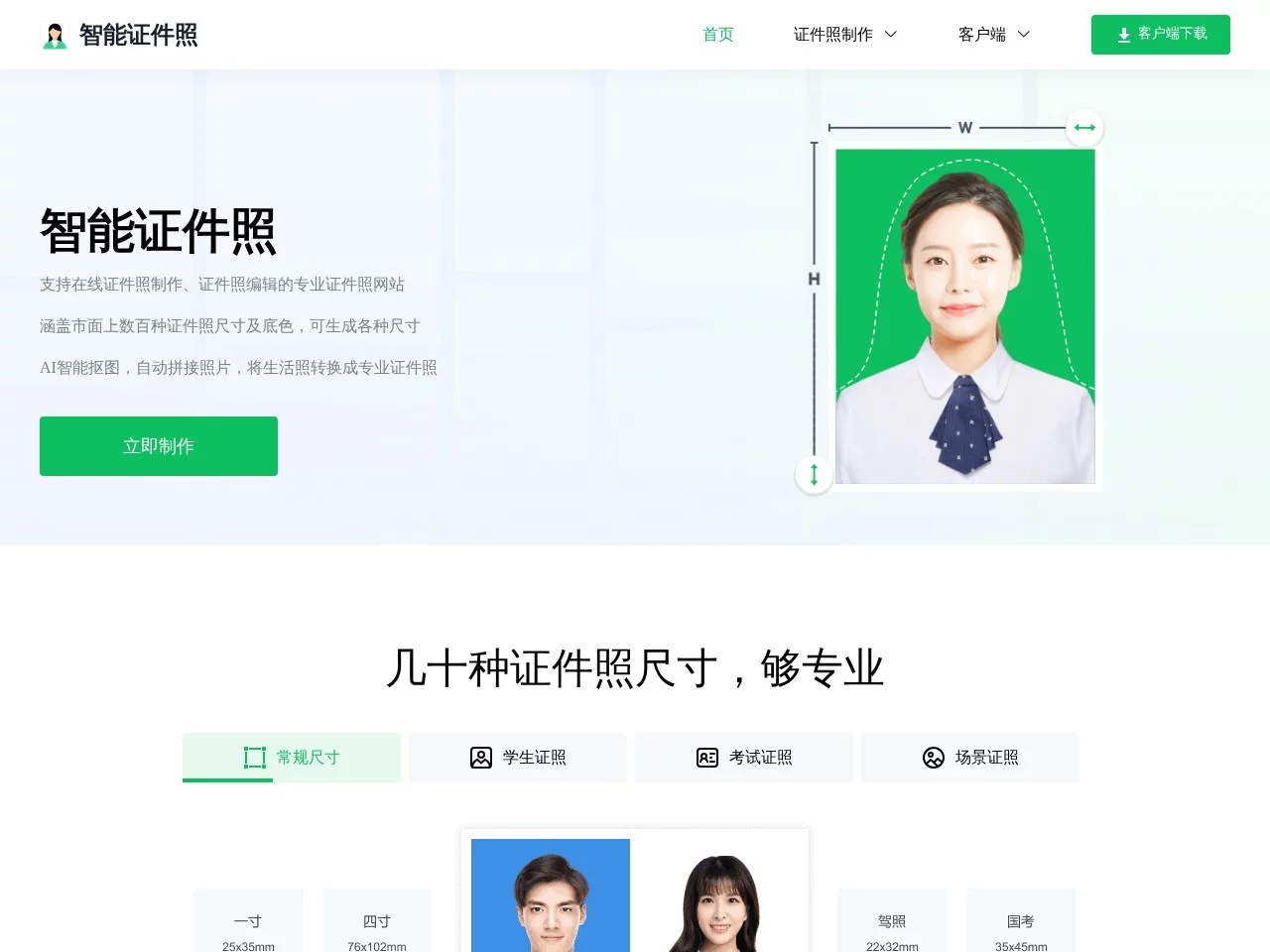
Online services including ID photo background change, ID photo creation, ID photo cropping, etc.


Screenshots

Smart ID Photos

For ID photos, should you choose a photo studio or an online tool?

You need a 1-inch ID photo with a blue background for joining work in the morning, a white background ID photo for exam registration in the afternoon, and a light grey background for passport application in the evening — these specific requirements always pop up when you need them. Smart ID Photos is an online ID photo creation tool that provides services such as ID photo background change, ID photo creation, and ID photo cropping. There is no need to download or install software; you can turn an ordinary photo into a compliant ID photo by opening a webpage. It covers common needs such as wedding ID photos and blue background ID photos.

Official Website: https://id.zhengzhaopai.com/

Which is more hassle-free: editing photos yourself or going to a photo studio?

Last month, I helped a friend change the background colour of his ID photo. He used photo editing software to mat the image, which took half an hour, leaving faint white edges on the hair strands and uneven background colour. In the end, he still went to the photo studio downstairs. Later, I tried it myself: a 1-inch photo at the studio cost 20 yuan, and queuing plus waiting for prints took almost an hour. If I was in a hurry that day, I wouldn’t have had the time.

With Smart ID Photos, you only need to open your browser, upload a casual photo you took before, no matting or parameter adjustment needed — just select the corresponding size and background colour. Not long ago, I helped my sister prepare an ID photo for postgraduate entrance examination registration. The photo she took had a light pink background. After uploading it to the website and selecting the 1-inch white background option, a preview image appeared in less than a minute. The hair edges were clear, with no editing traces. The whole process didn’t require downloading any software, extra payment, or going offline — you can handle it at your workstation.

Do you really need to know photo editing to make ID photos online?

Many people think online tools are hard to operate, but actually, the process of Smart ID Photos is not that complicated. You don’t need to remember any photo editing terms or understand professional parameters. After uploading the photo, the system automatically recognises the subject, even handling fine details like hair strands cleanly, without obvious flaws like manual matting.

I once helped a colleague make a wedding ID photo. The group photo of him and his wife was taken at the beach last year, with blue sky and white clouds in the background. After uploading it to the website, I selected the standard size for wedding ID photos and changed the background to red. When previewing, I saw that the hair strands of both people were clear, not blurred together, with no extra background residue. After confirming the effect, I downloaded it directly and printed it on the same day, which fully met the requirements of the civil affairs bureau.

Is it really only four steps from uploading to getting the final product?

Don’t overcomplicate it — even beginners can handle the whole process. First, upload a suitable photo saved on your phone to the website. You don’t need to take a formal photo; a clear half-body casual photo taken daily is fine. After uploading, the system automatically mats the image, no manual adjustment of any details needed. Wait for a few seconds, and you’ll see the matted subject. Next, just select the size corresponding to the ID type you want, then choose the required background colour — common options like blue, white, and red backgrounds are available. Finally, preview it, and if you’re satisfied, download it directly. A compliant ID photo is ready.

Before, I helped a neighbour make a passport photo. The photo she took was a bit tilted. After uploading it to the website and selecting the passport photo size, the system automatically adjusted the head proportion, which exactly meets the passport requirements, so no additional cropping is needed. The whole process has no redundant steps and doesn’t require any photo editing basics. Even if you’re using this tool for the first time, you can successfully get a compliant ID photo.

Relevant Navigation

No comments

You must be logged in to leave a comment!
Login immediately
none
No comments...