AD Recommendation
Join Now
Important: Please do not trust the content and ads of various websites easily! Recommended reading: Safety Tips
Internet Speed Test
Scan to visit on your phone
3wks agoupdate 3,496 00
0

Screenshots

Internet Speed Test

After getting home from work, you just want to start watching the downloaded show, but the Wi-Fi is lagging like crazy; when using 5G to scroll short videos on weekends, the loading bar takes forever to move, and when you want to test your internet speed, you find a bunch of tools and don’t know which one is reliable. This article will explain the practical tools that have been tested to work and the details to pay attention to when testing, helping you avoid pitfalls.

Which speed test tool to choose when your home network is lagging

Official website: https://wangsuceshi.bmcx.com/

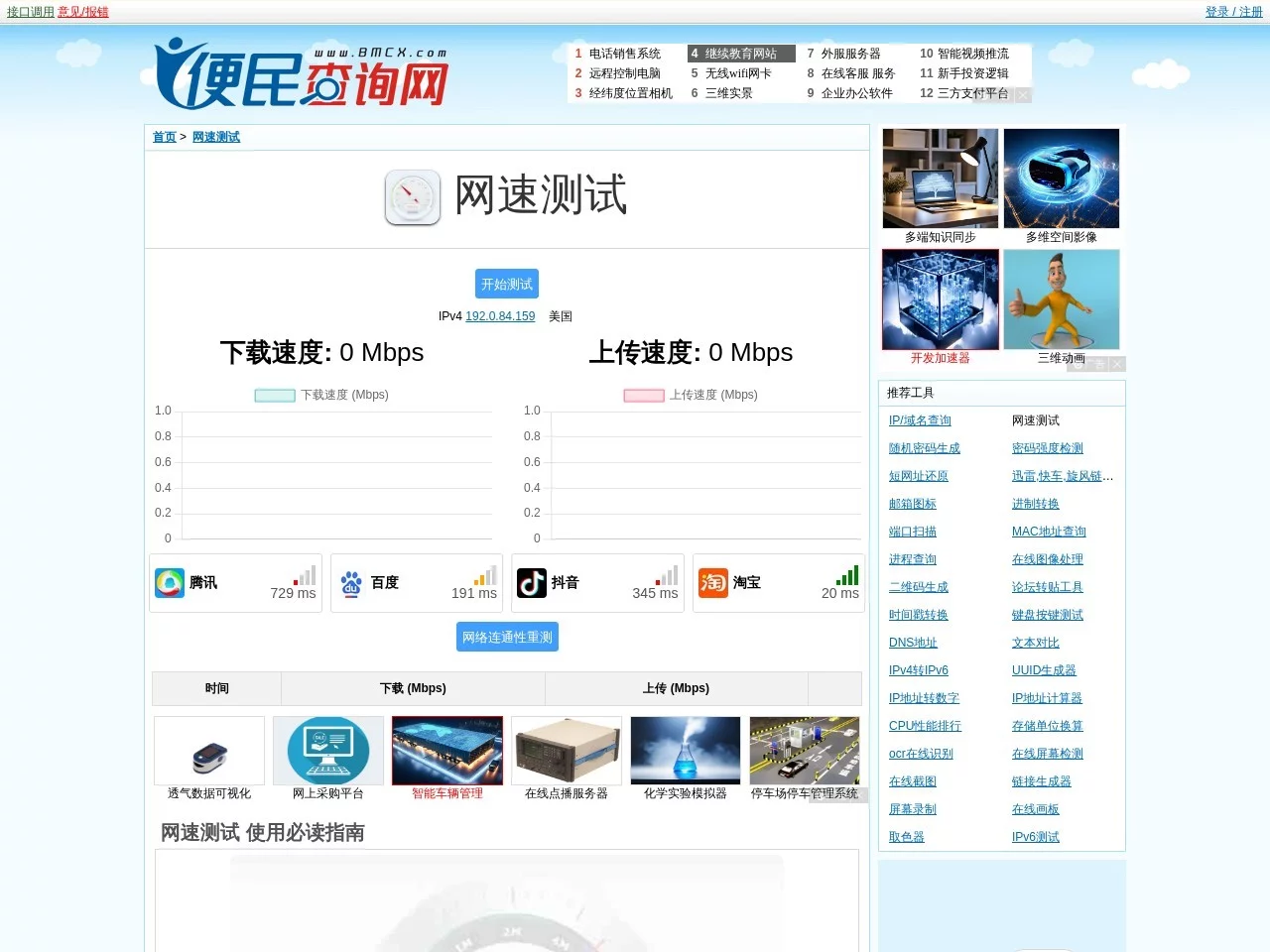
These tools don’t pop up random ads or ask for permissions unnecessarily, making them easy to use daily. The first one is Convenience Query · Internet Speed Test, which supports broadband, Wi-Fi, 5G, and even IPv6 testing. It covers networks from China Telecom, China Unicom, and China Mobile, and can also check the status of your router and gateway. If you have minor network issues at home, just use this to quickly scan.

Then there’s SpeedTest.cn, https://www.speedtest.cn/, which is suitable for both regular users and those who need detailed data. It clearly lists the measured download and upload speeds, plus Ping latency, jitter, and packet loss rate. The results are accurate, so if you want to know if your network is sufficient for daily use, you can test it here and get a clear idea.

The speed test website from USTC (University of Science and Technology of China) is a professional tool developed by USTC itself. It supports IPv4 and IPv6, and the test speed is stable without being interfered by other factors. It’s suitable for people who need precise data, such as those working in network-related fields, or to check if your network meets the speed promised by your operator.

There’s also the world-famous Speedtest.net, https://www.speedtest.net/, operated by Ookla, covering over 200 countries and regions. Click once to automatically find the nearest server, and results are available in about 30 seconds, including download and upload speeds, and latency. It’s trusted by both operators and regular users.

Cloudflare Speed Test is also a good option, https://speed.cloudflare.com/, a free tool released by Cloudflare official. It uses data centers in over 200 cities worldwide to test, showing latency, download and upload speeds, and connection stability. The results won’t fluctuate randomly, reflecting the real network situation.

Another practical one is https://net.netart.cn/, which you can find with a simple search, no need to remember complicated URLs, and testing is straightforward.

How to avoid inaccurate results when testing internet speed

If you don’t get these details right, the test results may be inaccurate, wasting your time.

Should you close bandwidth-consuming programs first?

Before testing, close download software, online video apps, and music players on your phone and computer, and clear background processes too. Otherwise, even if your network is fine, if these programs take up bandwidth, the measured numbers will definitely be low, wasting your time.

Is testing once enough?

Test at different times of the day, for example, in the morning when no one is using the network, and in the evening when everyone is online. Test once or twice each time, and take the average, which is more reliable than testing once alone. After all, the network load of the residential area sometimes changes.

Will hardware and environment affect the results?

The quality of your computer’s network card, the sensitivity of your phone’s Wi-Fi module, and the location of your home router will all affect the results. For example, if the router is tucked in a corner with several walls in between, the measured Wi-Fi speed will definitely be slower than if it’s placed in the middle of the living room.

What if the results are different from what the operator promised?

Sometimes the measured number is a bit lower than the bandwidth promised by the operator. Don’t rush to contact customer service; maybe the test server is busy at that time, or there’s a temporary small problem with the line. If the difference is large after multiple tests, then contact the operator.

  • Close bandwidth-consuming applications such as downloads and online videos before testing to avoid result deviations
  • It is recommended to test multiple times in the morning and evening, and taking the average is closer to the real internet speed
  • Hardware environment such as computer network card and router location will affect test results, so comprehensive reference is needed
  • Affected by line load and server status, test results may be slightly lower than the actual bandwidth

What else to pay attention to after testing internet speed

Don’t just stare at the numbers after testing. If you’re using Wi-Fi, you can also check the status of your router’s indicator lights for abnormal flashing. If there is, restart it and test again. If you’re using 5G, test again in a place with good signal, such as by the window, to avoid signal interference from walls affecting the results.

If the test results are very different from your actual network usage experience, for example, videos don’t lag usually but the measured download speed is low, then switch to another speed test tool to test. Don’t make judgments based solely on one platform’s results. After all, different tools select different test nodes, so results may vary slightly.

Relevant Navigation

No comments

You must be logged in to leave a comment!
Login immediately
none
No comments...