AD Recommendation
Join Now
Important: Please do not trust the content and ads of various websites easily! Recommended reading: Safety Tips
QQ Mail
Scan to visit on your phone
3wks agoupdate 1,585 00
0

QQ MailQQ Mail

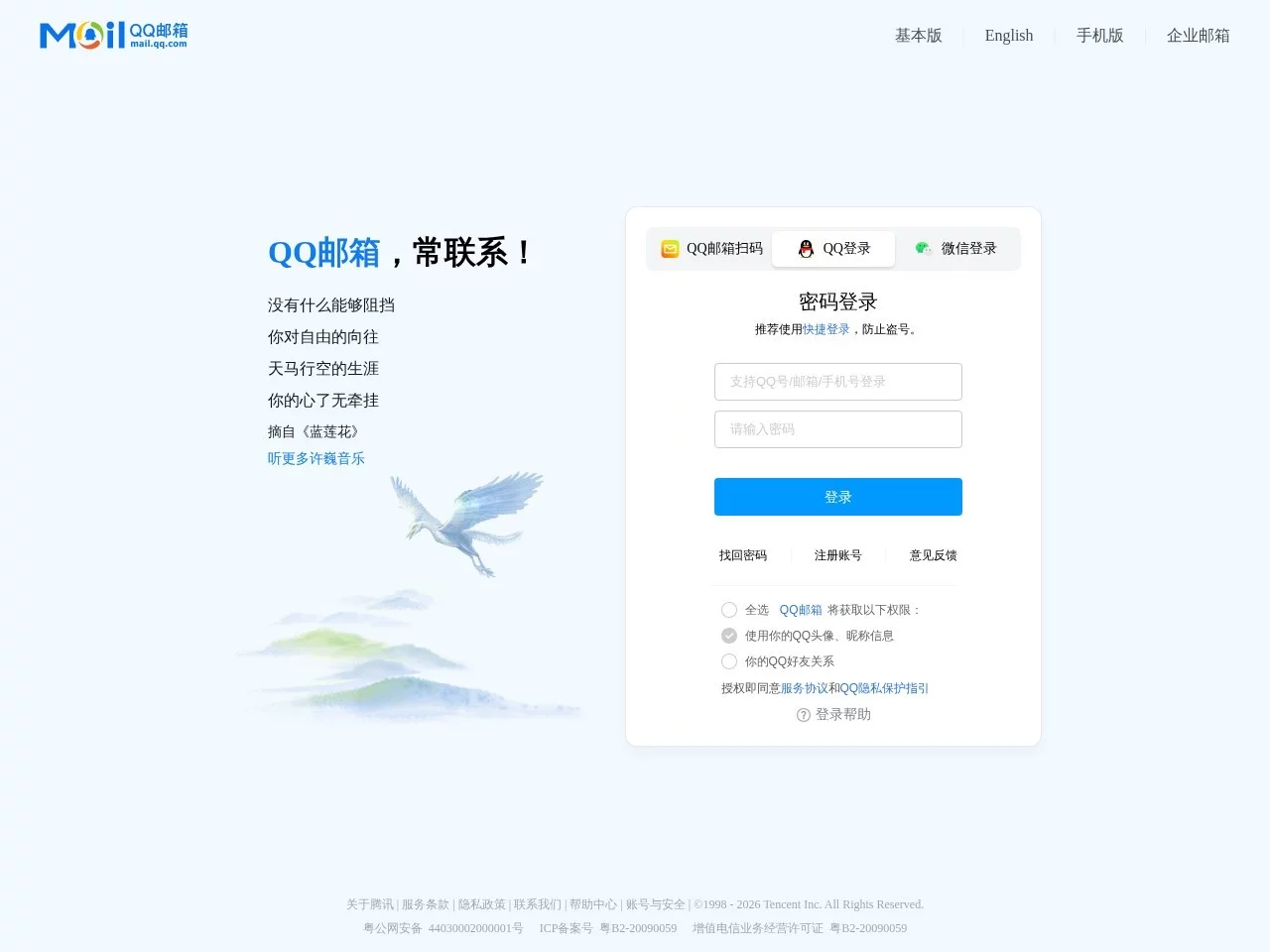
QQ Mail login portal, QQ Mail - Email service provided by Tencent


Screenshots

QQ Mail

When using email, you often encounter various troubles: large attachments can’t be sent, it takes ages to find emails across devices, and you worry about account theft? This article clarifies the practical details of QQ Mail to help you avoid these common pitfalls.

How to send and receive emails across platforms with QQ Mail, without being limited by devices?

Official website: https://mail.qq.com/

Many people worry that email can only be used on a fixed computer, but in fact QQ Mail has long been available across multiple devices. For desktop, you can directly log in to the web version, with the address being mail.qq.com, no extra software needed; for mobile and iPad, there are dedicated clients for iOS and Android, which can be downloaded by searching “QQ Mail” in the app store. Log in with the same account, whether you’re sending files during your commute or catching up on work emails at home, you can operate at any time, avoiding the situation where “only the company computer can check work emails”.

In addition to the main functions, it also has several practical small tools, no need to download separate apps. The built-in File Depot can temporarily store large files, the calendar can set meeting reminders, and the notepad can record temporary to-dos, so you don’t need to switch between apps back and forth, and can handle the trivial matters of work and daily life.

Always failing to send large attachments? How large files can QQ Mail transfer?

Many people get stuck when sending large files like videos or design drafts via email, and QQ Mail’s 3G super large attachments solve this problem perfectly. You don’t need to compress files, just upload the original files directly, which won’t affect the clarity and format of the files.

However, please note that 3G is the attachment limit per single email. If you have multiple large files, you can send them in batches, or use the bulk transfer function of the File Depot, so the recipient can download directly by logging into their email, without waiting for you to be online. In addition, it has the fun Drift Bottle feature — when you’re free, you can throw a bottle with text inside, and maybe receive a reply from a stranger, which adds a little fun to daily work.

Worried about the security of your QQ Mail account, how to set it up more securely?

With important emails stored in the account, the biggest worry is theft. QQ Mail has an independent password protection mode. After enabling it, you need to verify this separately set password every time you log in to the email. Even if the main QQ account password is leaked, the historical emails in the mailbox won’t be accessed casually, which is equivalent to adding a second layer of lock to the mailbox.

If you forget the independent password, don’t panic. Click on “Forgot Password?” on the login page, and you can reset it quickly using the bound mobile phone number or QQ number, so you won’t be stuck and unable to log in. In addition, if you’re using a private device, you can enable “Remember Login Status”, so you don’t have to enter the password repeatedly next time you log in. However, don’t enable this on public devices to avoid leaving account information behind.

Apart from the web version, what other channels can be used for QQ Mail services?

Apart from logging in directly at mail.qq.com, there are several ways to access QQ Mail without remembering the URL. For mobile, you can download the client directly by searching “QQ Mail” in the app store, no need to look for other links; for desktop, the Foxmail client can also be linked to QQ Mail. If you’re used to working with desktop software, this is more convenient, and its official website is https://www.foxmail.com/.

There’s also a small trick: if you can’t remember mail.qq.com, entering email.qq.com will also take you directly to the official website, so you don’t have to worry about entering the wrong URL and not finding the entrance.

Where to find solutions when encountering email problems?

If you can’t register, want to change the “one email with multiple names”, can’t retrieve the password, or encounter problems with VIP email or online documents, don’t search for scattered methods online randomly — just go to QQ Mail’s help system. This system covers all scenarios such as registration, login, sending emails, and security, even has guides for mass emails, and the answers to popular questions are also well-organized. Click in to find the corresponding solution steps, no need to try blindly by yourself.

What other practical details does QQ Mail have?

Its technical optimizations are actually hidden in daily use. For example, cross-device email synchronization has no delay — even if your phone was offline, when you open it again, you can synchronize the emails you didn’t finish sending before; in terms of security, besides the independent password, there’s also automatic spam filtering, which can block advertising emails and phishing emails, so you don’t have to manually delete a bunch of useless emails.

For most people, you don’t need to bother with complex settings — using QQ Mail can meet the needs of daily communication and work, and you don’t need to install separate email software anymore, saving a lot of trouble.

Related Sites

No comments

You must be logged in to leave a comment!
Login immediately
none
No comments...